Problem
Sales teams often struggle with complex and cluttered dashboards that make it difficult to find important insights quickly. The existing desktop CRM tools were not optimized for mobile, leading to slow navigation and poor accessibility on the go.
Solution
I designed a mobile-first CRM Dashboard that prioritizes:
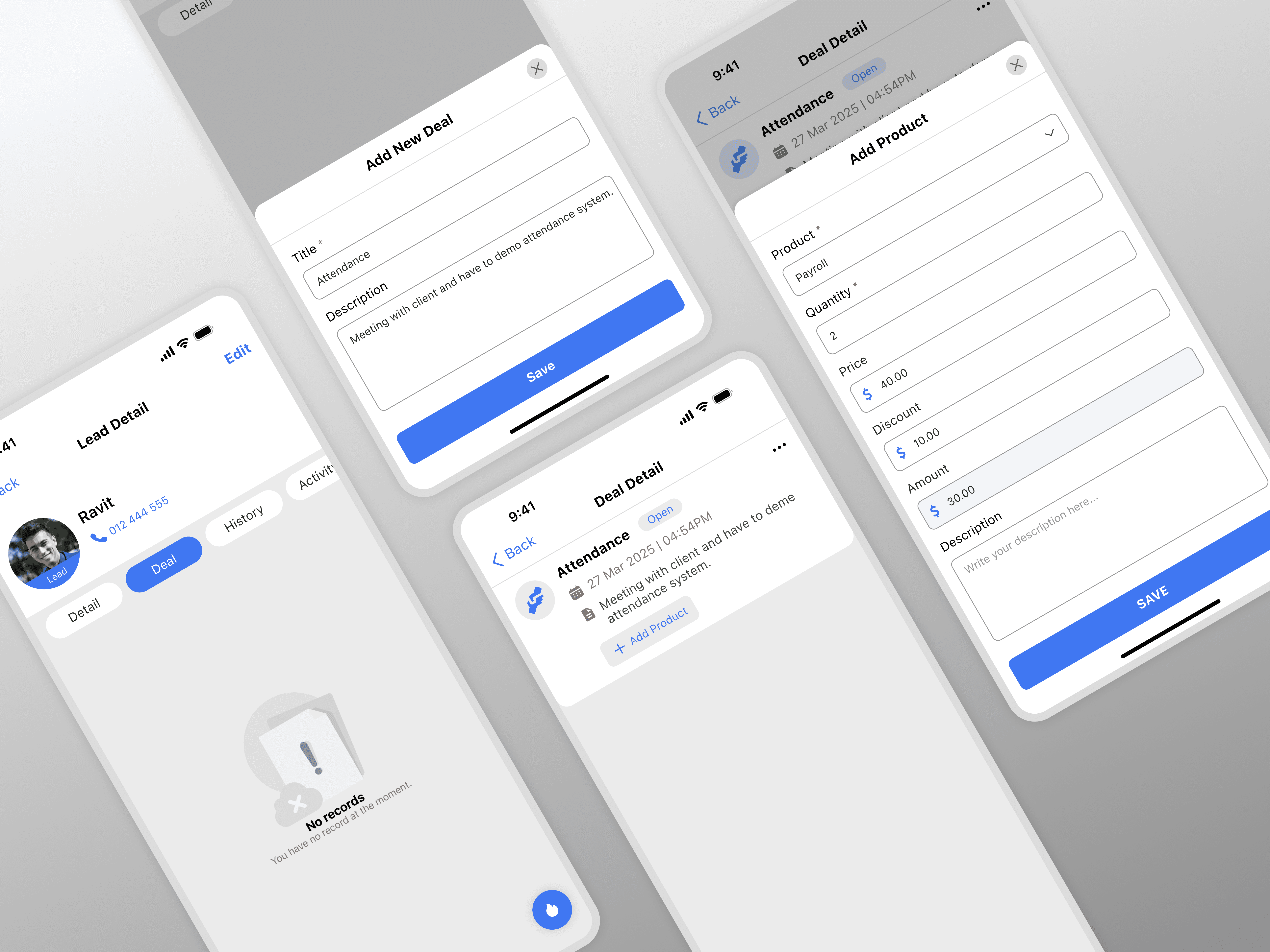
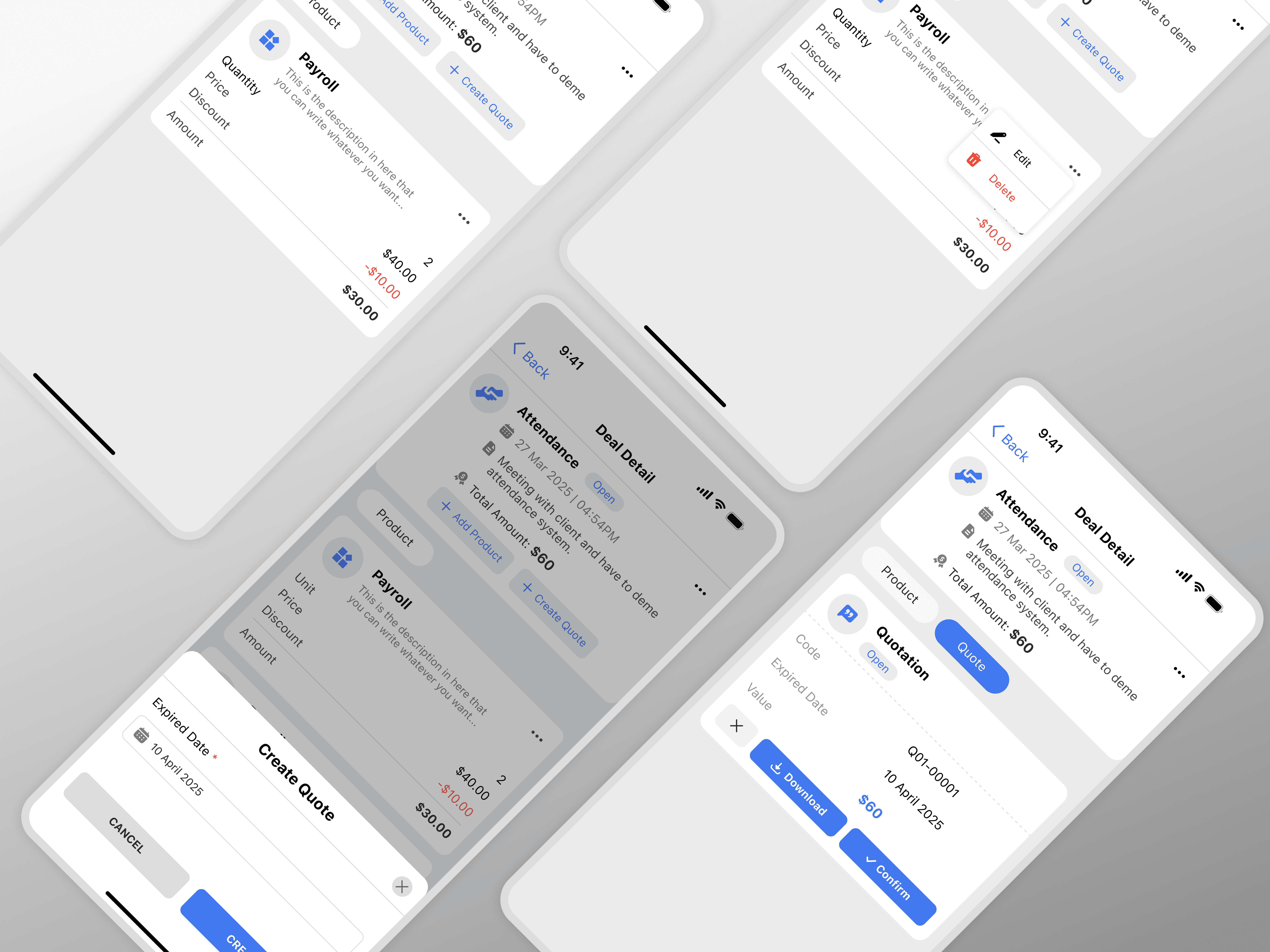
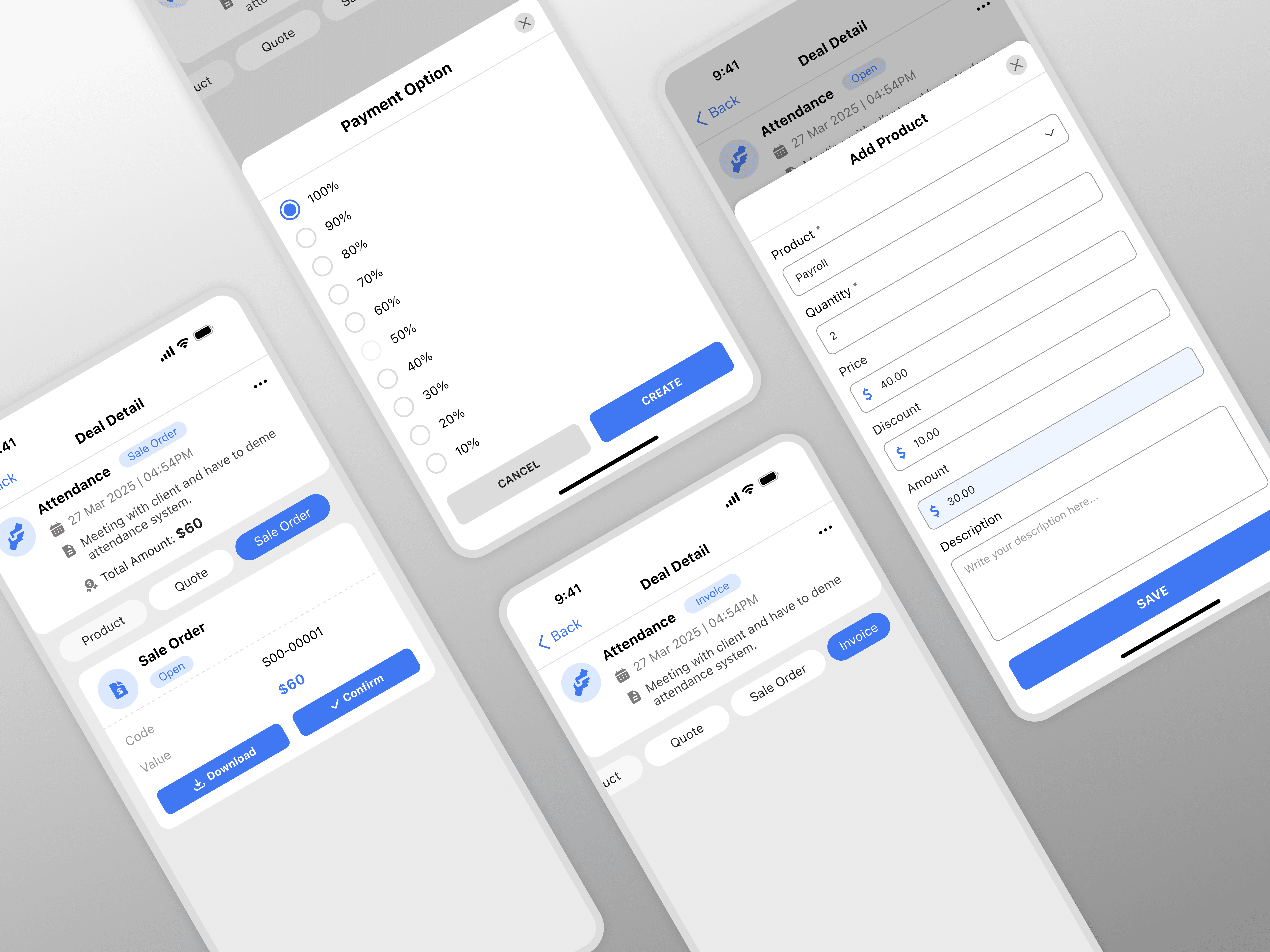
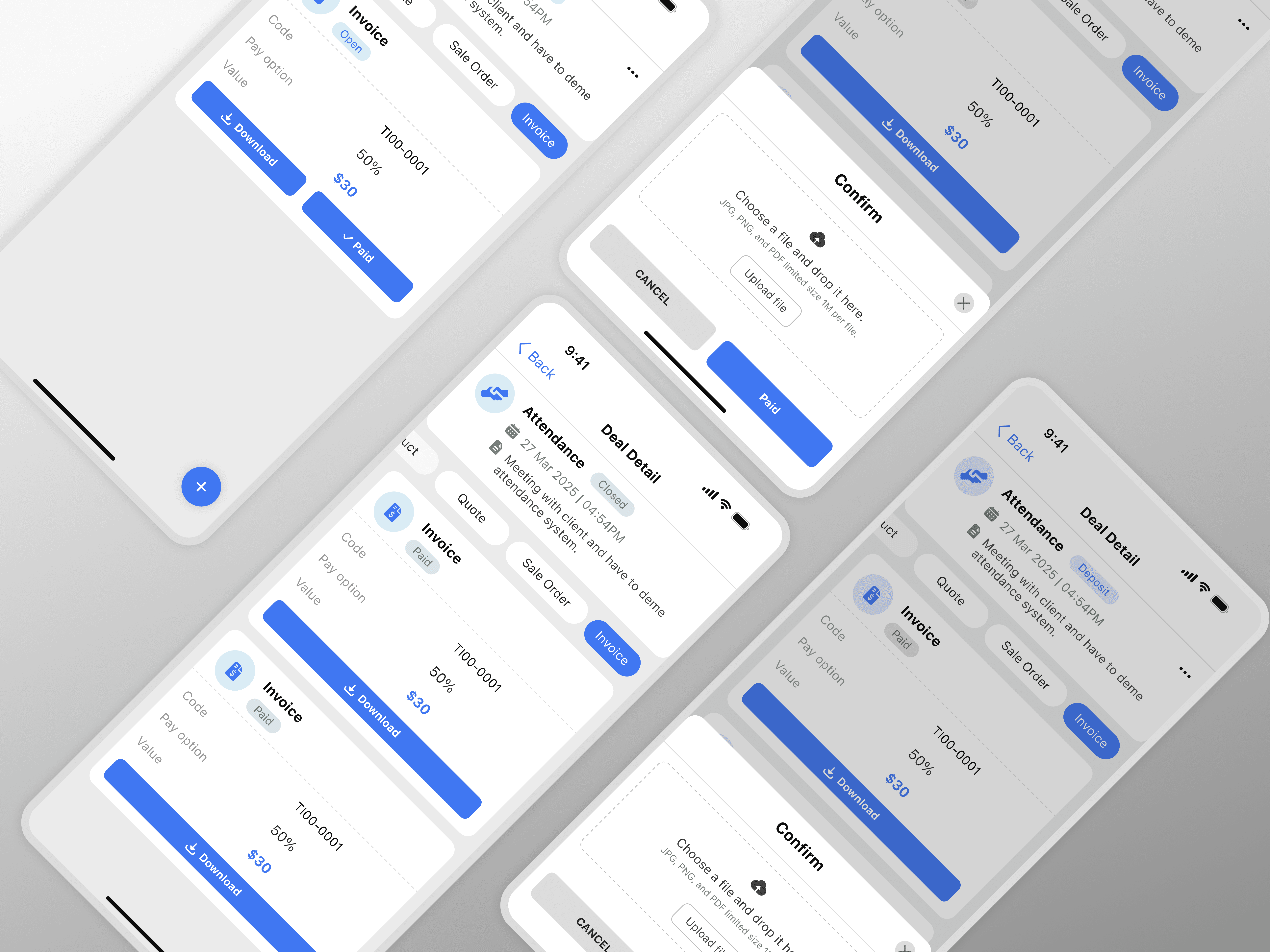
Simple data hierarchy — clear categories for Leads, Deals, Quotations, Sale Orders, and Invoices.
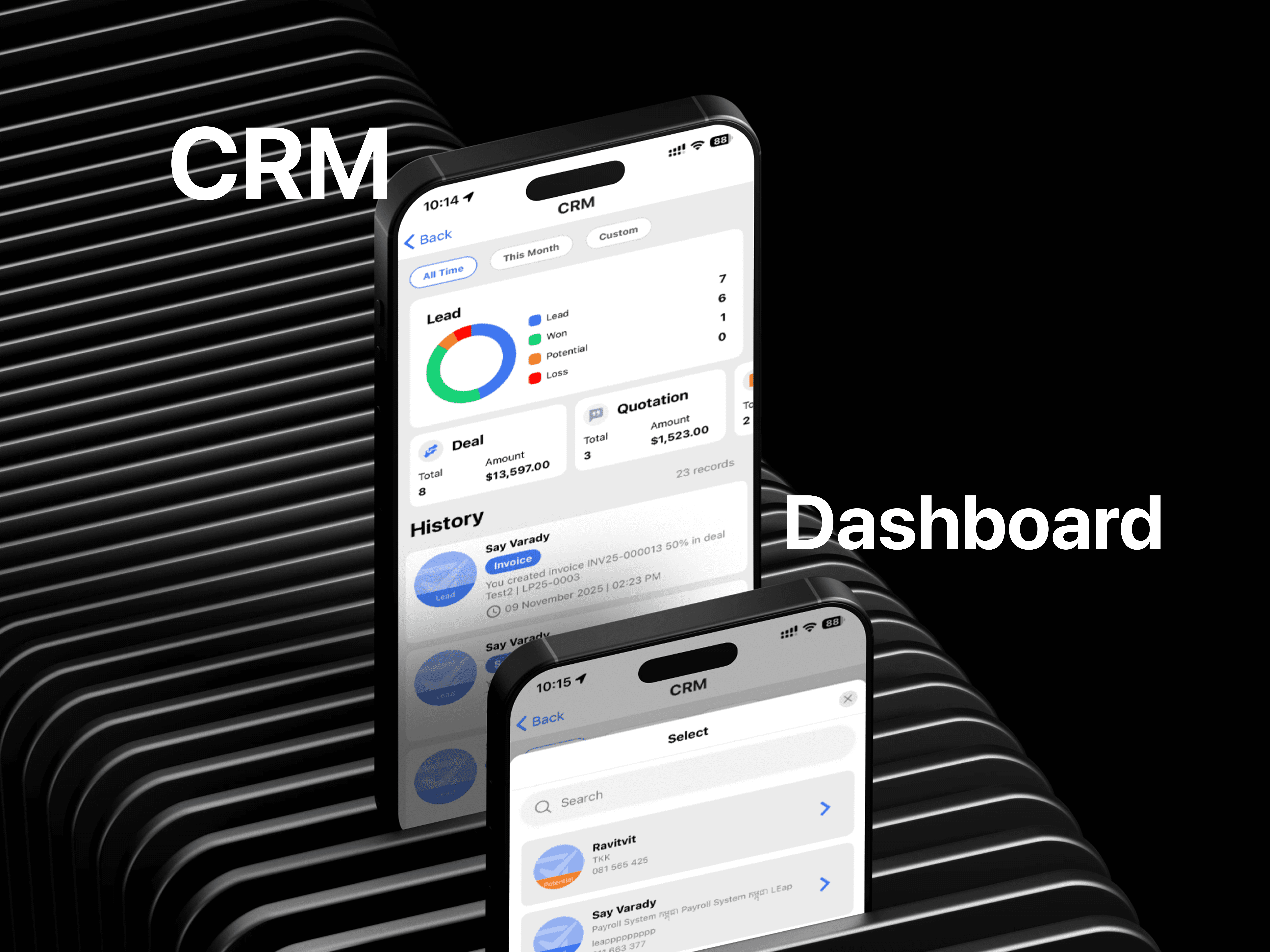
Color-coded status levels such as Lead, Won, Potential, and Loss for instant visual feedback.
Interactive cards and charts that summarize data at a glance.
Optimized layout for fast navigation and one-hand mobile use.
Design Process
1. Research & Understanding Users
Interviewed sales staff and managers to understand pain points.
Identified key metrics they monitor daily (conversion rate, pending invoices, deal value).
2. Wireframing & Information Architecture
Created low-fidelity wireframes in Figma to define content flow.
Focused on clarity and reducing visual noise.
3. UI Design
Used a clean and modern design system with consistent icons and typography.
Applied a color-coded system to represent status stages (Lead, Won, Potential, Loss).
Designed modular data cards for scalability and responsiveness.
4. Prototype & Testing
Developed a clickable Figma prototype.
Conducted user Key Featuresfeedback sessions — users found the app easy to read and fast to navigate.
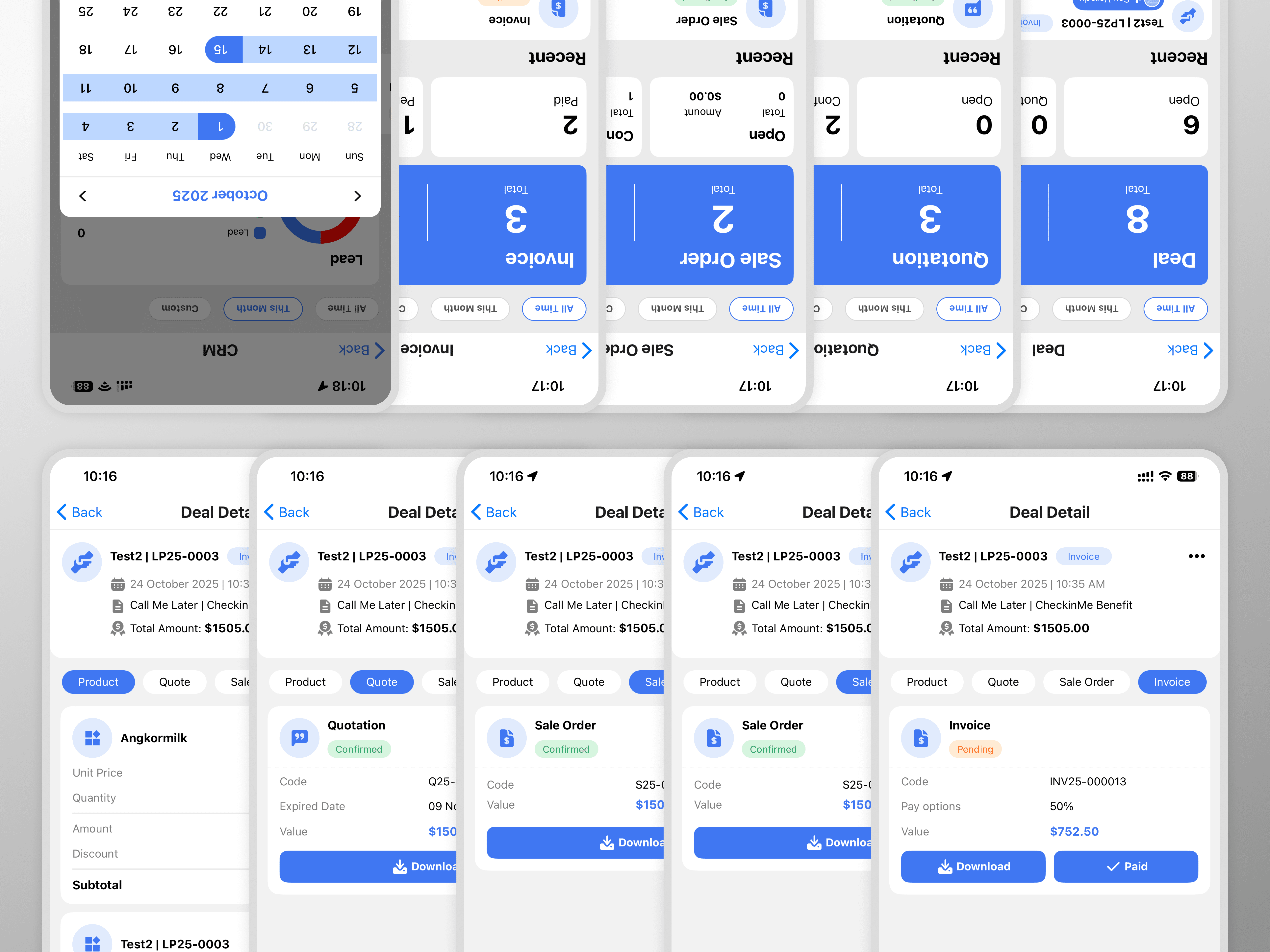
Dashboard Overview: Quick summary of leads, deals, and invoices.
Lead Tracking: Visual lead stages — Lead, Potential, Won, and Loss.
Quotation & Sales Order Cards: Clear financial data visibility.
Invoice Status: Pending and completed invoice sections.